

General Tips
Complete Guide to Master Groups in Bubble
What are Popups, Floating Groups, Group Focus, Repeating Groups and Groups? Where and how should you use them?
Himanshu Sharma · ·12 min read

When building apps, one of the things you might think about is how to save time and resources. One way to do this with Bubble is to use templates.
However, there are reasons why using a Bubble template may not be the best option. There are also reasons why using a template could be the best choice for your Bubble MVP.
The moment you have an idea for a business, you need to assess if it’s a viable one. There are a few different ways to approach this. One option is to launch a minimum viable product — or MVP.
MVPs are simple, and the core components of the template are adequate for you to test your business concept. For example, let’s say you want to start a service that connects people who need help moving with people who have trucks. That’s a great idea!
Your MVP might be a website that takes information from users and connects them by email. You can get this done quickly and cheaply, so you can start testing your idea in the real world.
The nice thing about MVPs is they are prototypes, not finished products. You can change or improve them based on what you learn during testing.
Creating an MVP helps you avoid months of work developing something no one will use — or even worse, jumping right into building something that no one will ever see because it doesn’t solve a problem for anyone.
After all, it’s easy to think your ideas are excellent when they’re just floating around in your head — but it’s quite another thing to find out if others agree once you put those ideas out there in some tangible form.
With no-code tools like Bubble, you can get your product to market faster.
“Good enough is better than perfect” applies here: fast to market is better than perfect. And you can build a product way more quickly in Bubble than from scratch.
Because of its flexibility, no-code lets you iterate without a headache.
And because startups often pivot, you want the process of making changes to be as smooth as possible - especially if you’re trying to keep development costs down.
Using a flexible stack, you can change it yourself without needing a dev team or a technical founder.
Bookmark
Honest Bubble.io Review - the most user-friendly and powerful app builder?
Bubble is an amazing platform to build your business. It’s easy to use and can be up and running in a very short time. However, there are some limitations to what Bubble can do. Get an honest review of the pros and cons of Bubble.io.
These Bubble templates can be a great starting point for creating your MVP. Templates are pre-made pages or elements with or without built-in functionality. They can help you save time and make your Bubble app look professional.
The templates make it possible for you to use copies of apps that are already successful and come with pre-integrated features.
For example, if you’re building a marketplace similar to Airbnb, you can use a template for Airbnb in Bubble. This way, you’ll have most of the core features taken care of without building it yourself in Bubble.
Different Bubble.io developers and agencies offer templates in Bubble. And the way they build the templates can vary.
You’ll find hundreds of templates on offer on the Bubble marketplace. Some of the most common Bubble templates are:
Bubble templates can be a great way to start your own business, usually costing between $149 and $399.
Bubble is a no-code platform that allows you to create an app without writing code. However, the language it’s designed in is its language, and it takes some learning to get up to speed.
Some of the apparent benefits of using a Bubble template are
There are a few disadvantages to using a Bubble template. A few are only encountered when you try to scale your Bubble MVP.
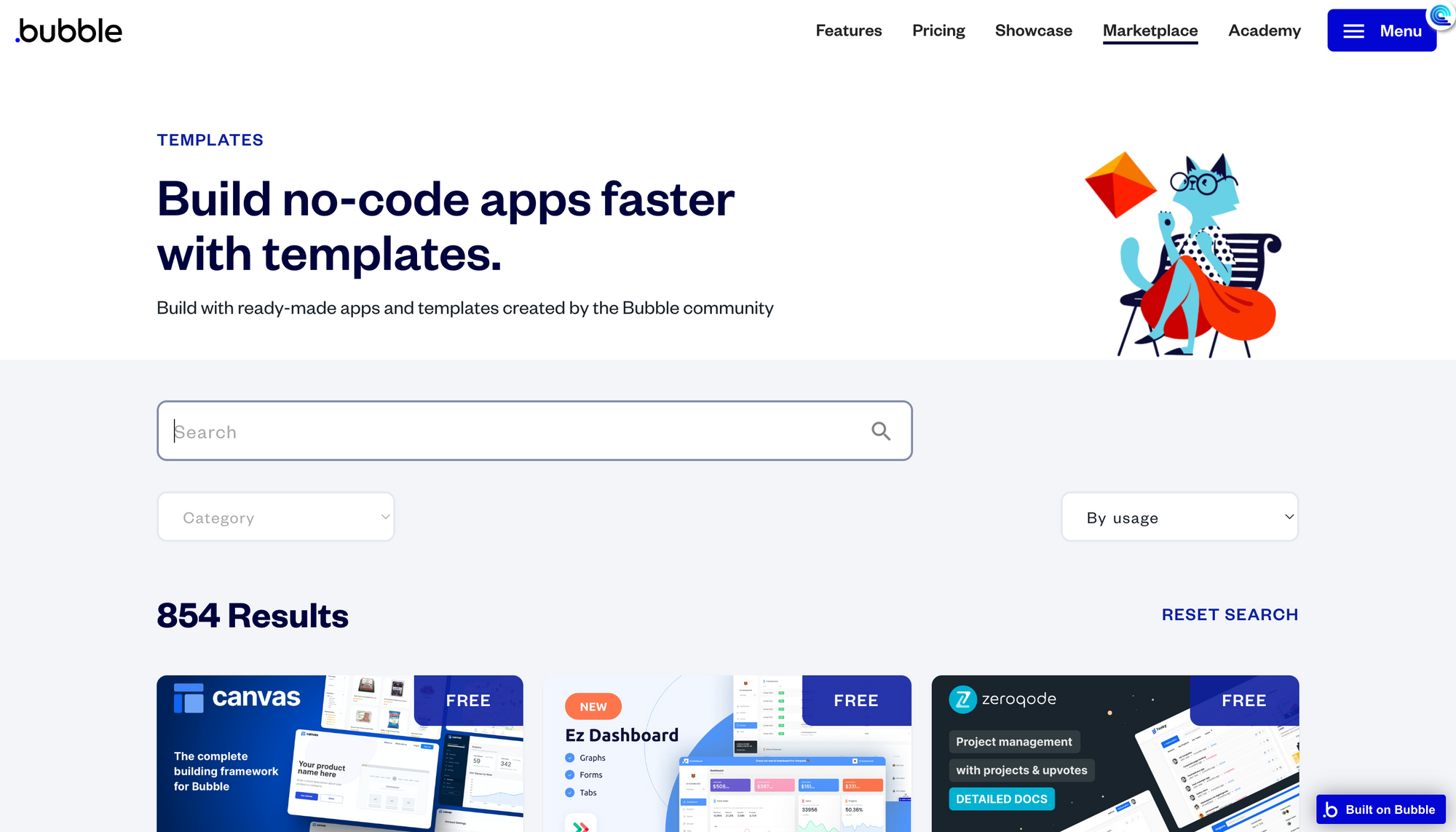
Most Bubble templates sell for $149 to $399, but a few sell for a higher price.
For most people, their ideal Bubble template will cost them $299. This template will have the UI, workflows, data structure and security measures.
You might need to change some of the practices in these templates when you want to scale your app. This should not discourage you as you use the MVP template.
Yes, you can. You can convert a Bubble app into a template and launch it on the Bubble marketplace.
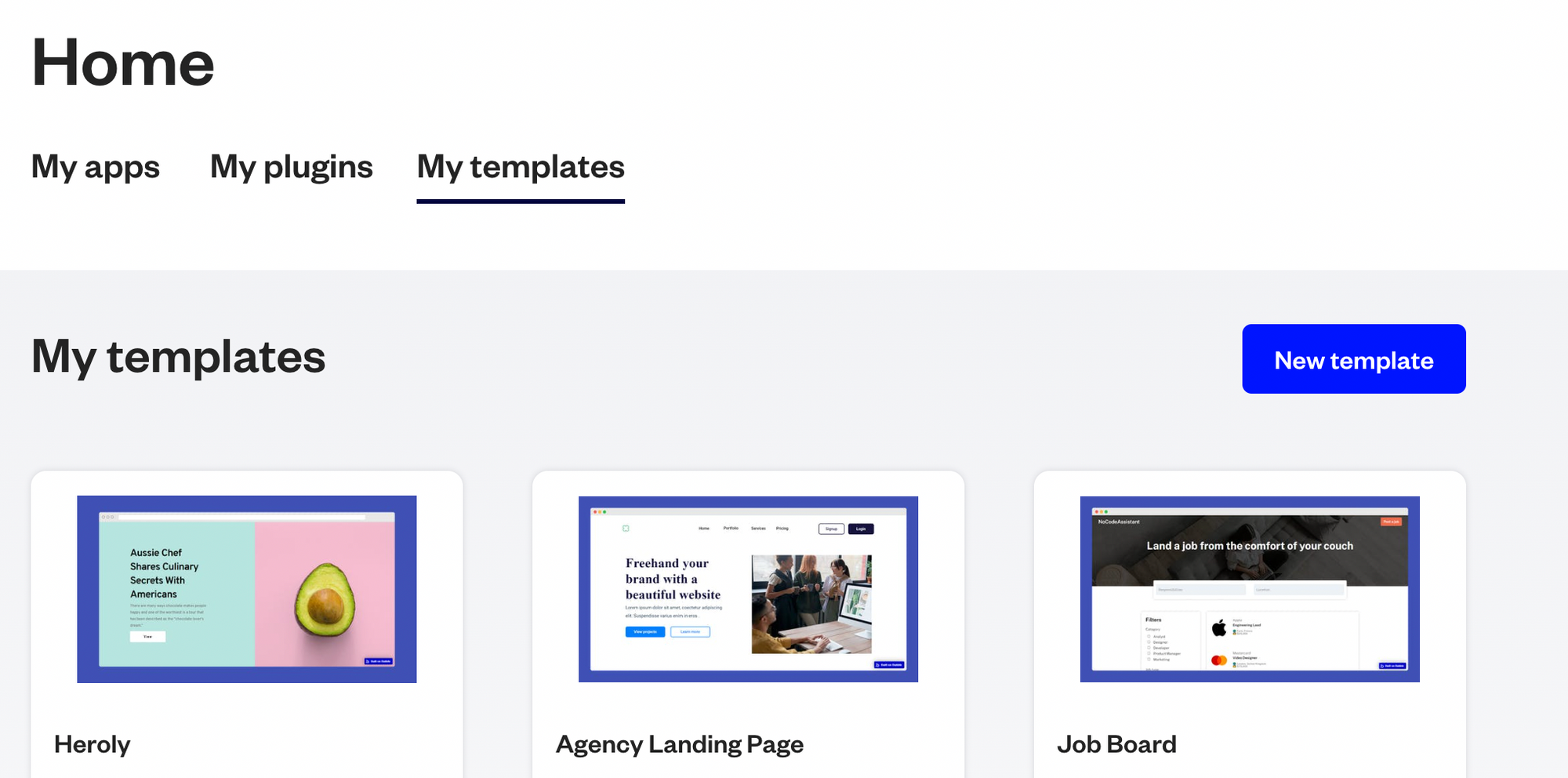
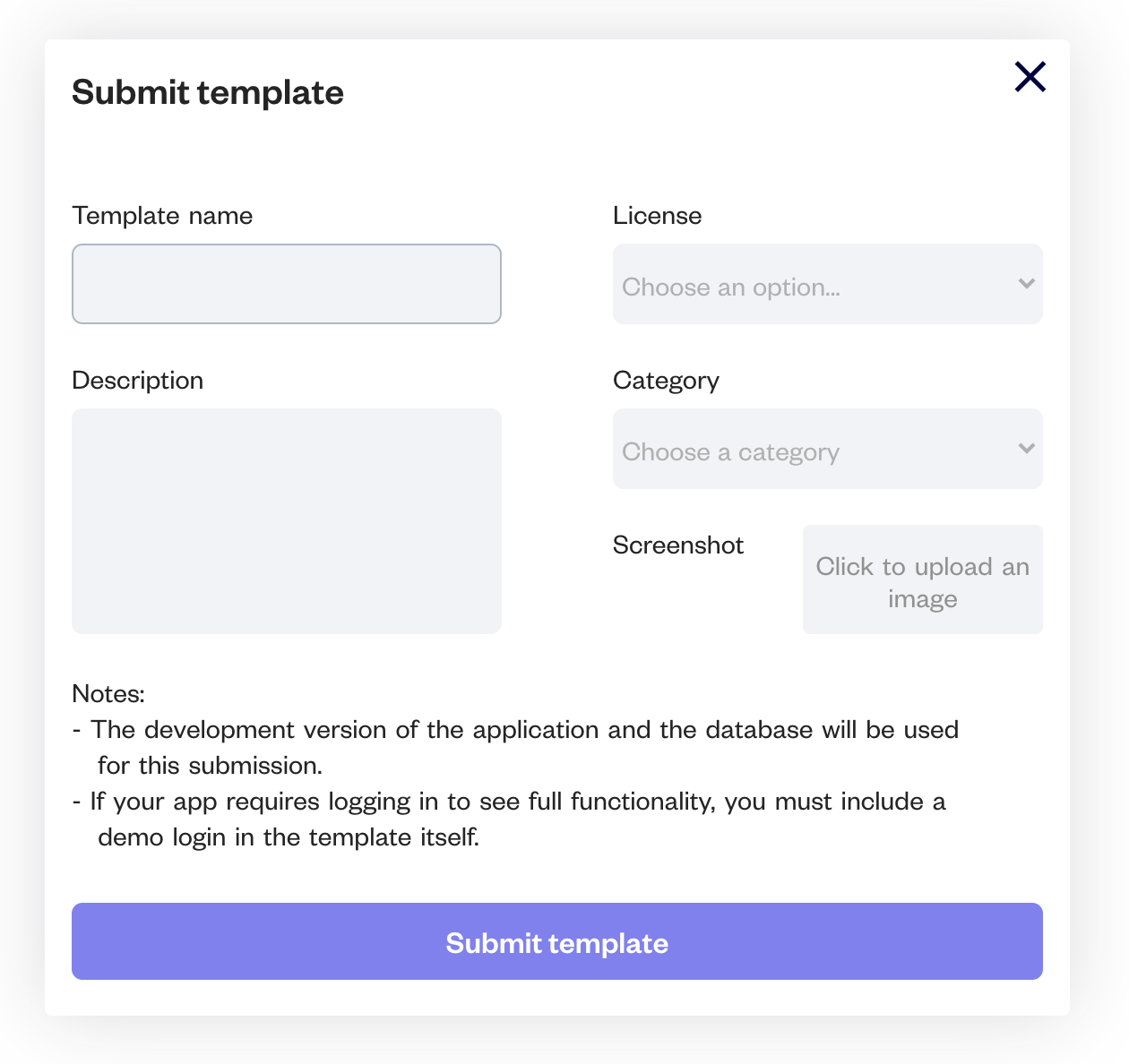
You cannot import Bubble templates into an existing app. You can only use a Bubble template for a new app.
The Bubble template serves as the foundation of your Bubble.io app. The template contains all the pages, data structures, workflows and integrations required for your app to function. These templates are easily customised so that you can make them fit your needs.
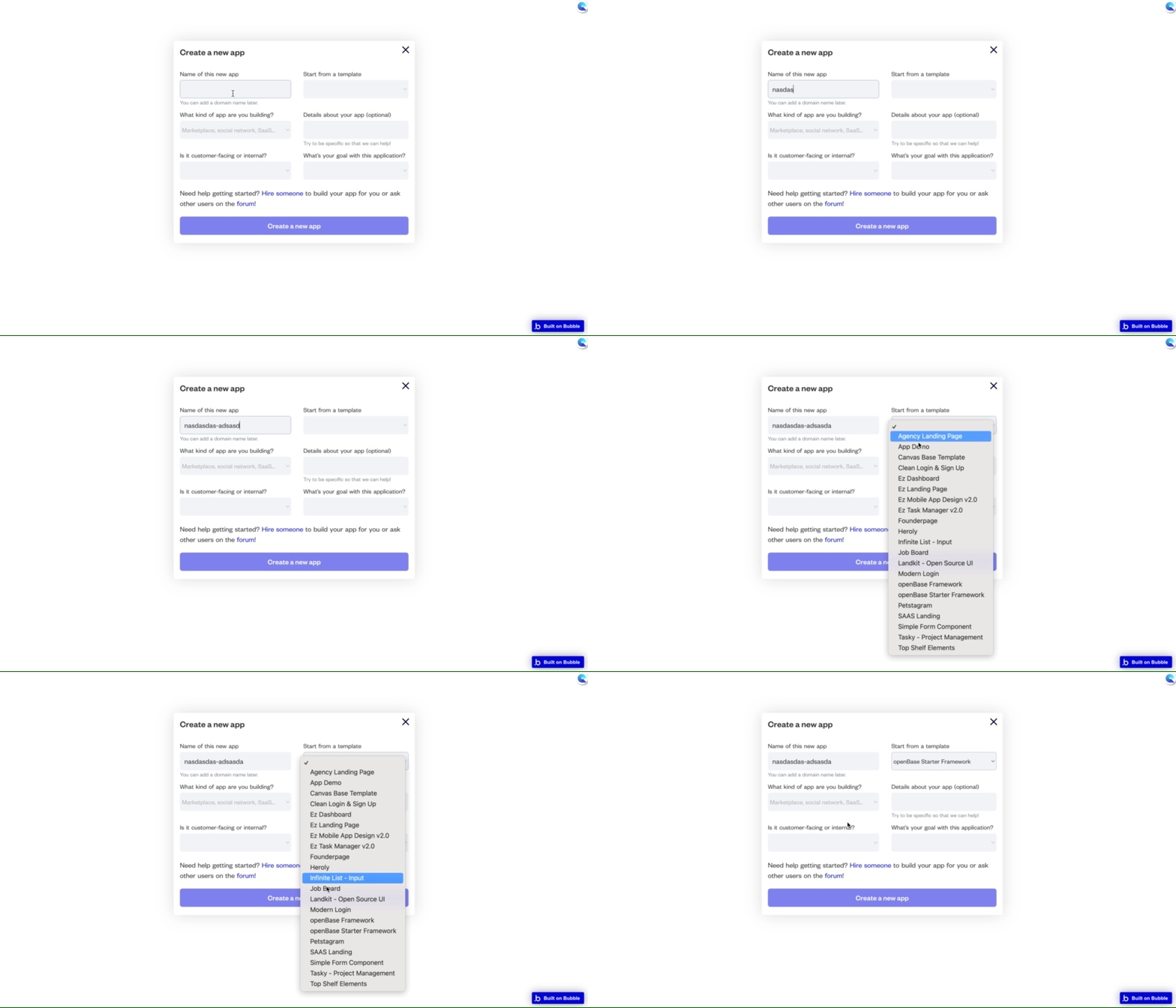
Using a Bubble template
Yes. You can edit everything from the text styling, colours, branding, workflows, database structure etc. You can edit a template as you would edit any Bubble app.
It’s not uncommon to make changes to your Bubble template. As I mentioned above, they may not be a perfect fit for your business.
You have two ways of customising a Bubble template.
Bookmark
3 proven tips to make your Bubble.io app searches faster today
Learn how to solve the problem of a slow app (without upgrading your server). 1. Use privacy rules 2. Reduce nested searches 3. Avoid advanced filters
If you need some help with your Bubble app or a team of Bubble developers to build a Bubble app for you, reach out to me at himanshu@nocodeassistant.com. You can also follow me on Twitter.
Continue reading
What are Popups, Floating Groups, Group Focus, Repeating Groups and Groups? Where and how should you use them?
Bubble is an amazing platform to build your business. It’s easy to use and can be up and running in a very short time. However, there are some limitations to what Bubble can do. Get an honest review of the pros and cons of Bubble.io.
You can different user roles in your Bubble.io app. These roles can have different privileges and access to different functions.

